 Comet
CometSpend a night in any airport lot and you’ll count dashboards with two, three, sometimes five phones on them. For most drivers one spare is plenty. Here’s when a second phone earns its spot, how to set it up, and what it means if your main phone is an iPhone.
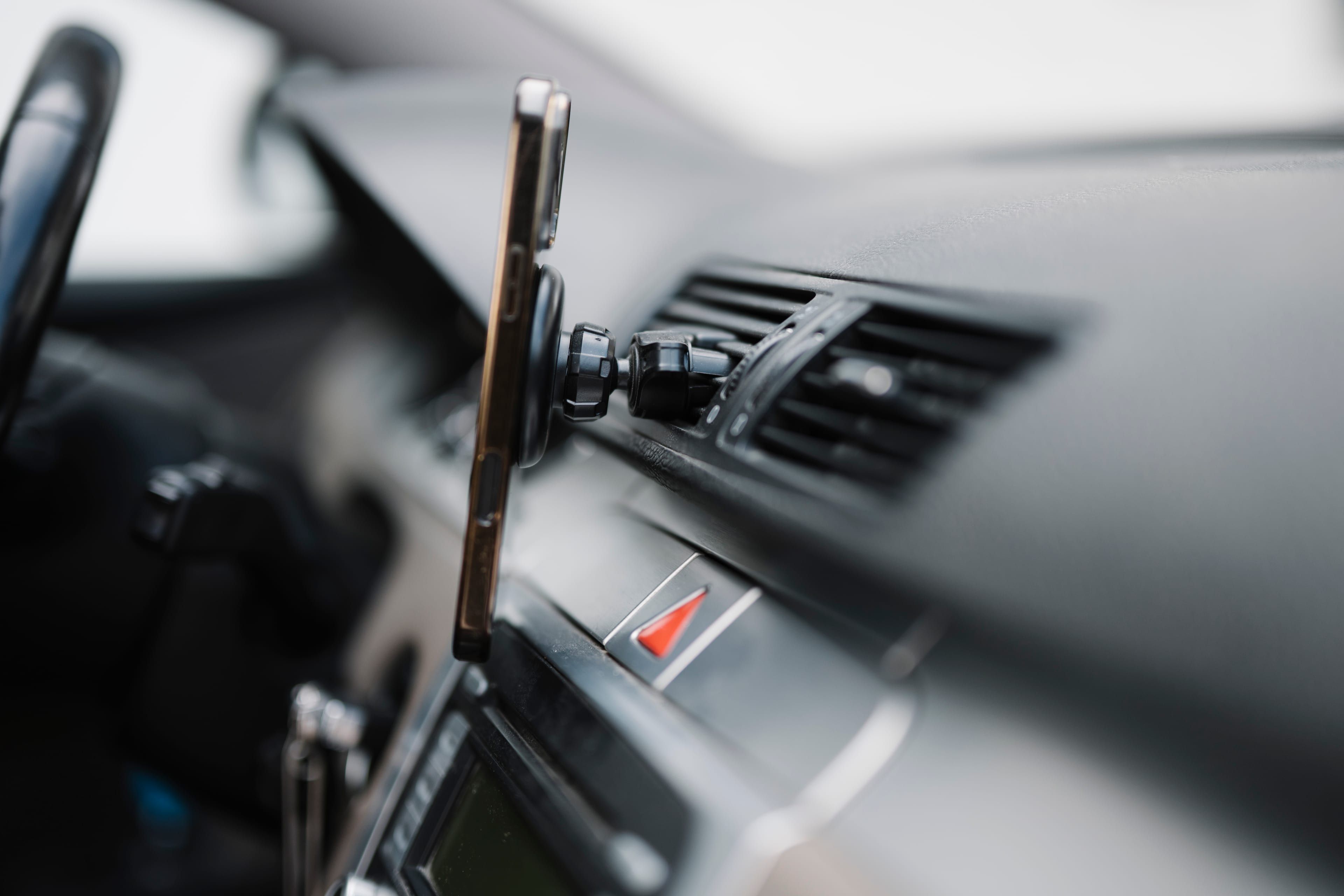
A second phone is worth it when you run two driver apps at once, or when your own phone is an iPhone and you want Comet. If you drive for one app and your phone is Android, keep it simple.
Drivers who post about their two-phone setups tend to give the same handful of reasons. One phone runs Uber, the other runs Lyft or DoorDash, so offers from both land without switching screens. Navigation lives on one screen while offers arrive on the other. Personal calls and texts stop getting tangled up with work. And a few say a dedicated work phone means fewer accidental taps on an offer while they were trying to do something else.
Whether any of that is worth the price of a used Android phone and a second data plan depends on how you drive.
Take it when
- You run two or more driver apps during the same shift
- Your personal phone is an iPhone and you want Comet’s grades
- Navigation and offers keep fighting for the same screen
- You don’t want work notifications on your personal phone
Skip it when
- You drive for one app and your phone already copes
- You don’t have a second mount where you can see it safely
- Your car’s charging can’t power two phones on a long shift
- The extra data plan would eat what you’d gain
Where an iPhone fits
This part is specific to Comet, so it’s worth being clear about.
Comet reads offer cards on Android. Android lets you give an app permission to read what’s on screen, which is how Comet sees the fare, the pickup and the trip the moment an offer appears, and how it shows its grade over the driver app. You switch that permission on yourself, and you can switch it off any time.
iPhone doesn’t allow one app to read another app’s screen like that. The route that does exist on iPhone is screen broadcasting, which you start yourself, and Apple’s rules for keeping a broadcast running in the background are the hard part. We’re building Comet for iPhone and working through exactly that, but today Comet does not grade offers on iPhone.
So if your phone is an iPhone and you want Comet now, the practical setup is a cheap Android phone as the work phone, running your driver apps and Comet, with your iPhone kept for everything else. Plenty of drivers already carry that pair for other reasons.
What to look for in a work phone
You don’t need a flagship. The work phone has two jobs: show offers clearly and stay on for a whole shift. Look for:
- A screen big and bright enough to read at a glance in daylight.
- A recent enough Android version for your driver apps. Check each app’s store page for what it needs.
- Enough memory to run two driver apps and navigation without one of them reloading.
- A battery in decent shape, because it will spend hours with the screen on and GPS running.
A used mid-range phone from the last few years usually covers all four.

Mount it where you already look
A second phone only helps if you can read it in a glance. Put both at eye level near the windshield, not down by the cup holder, and keep your hands off them while the car is moving.
Setting it up without a mess
The setup that tends to work: offers on one phone, navigation on the other, both mounted where you can see them without looking away from the road for long. A few details make a big difference over a ten-hour shift.
Power is the first. Two phones with screens on and GPS running draw more than a cheap single-port charger can supply, and a phone that loses charge while plugged in is a familiar way to end a shift early. A car charger with two ports and enough output for both, plus short cables, fixes most of it.
Data comes next. The work phone needs its own connection. That can be a second line, a cheap prepaid plan or a hotspot from your main phone. A hotspot is the cheapest, but it drains the main phone faster and means both phones fail together if the main one has no signal.
Then notifications. Turn off everything on the work phone except the driver apps, so an offer is the only thing that ever pings. On the personal phone, mute the driver apps if you installed them there too.
Can you be online on two apps at once?
Many drivers run two apps on one or two phones and take whichever offer is better. Whether and how you may do that depends on each app’s terms and on your market, and those change, so read your driver apps’ help screens and terms before you set it up. Never sign in to the same driver account on two phones at once.
What it costs, in round numbers
Say the phone costs $150 used and a prepaid line is $15 a month. Over a year that’s $330, or about $1.06 a working day if you drive six days a week. If a second app or better offers add even one decent trip a week, it pays for itself. If it mostly sits in the glove box, it doesn’t.
Turn these on and you’re live
Tap each one. Comet checks it worked when you come back.
Turn it on in two minutes
On your Android work phone, Comet asks for the permissions it needs to read offers and show its grade. You can turn them off whenever you like.
