 Comet
CometComet started with Uber and Lyft. The list has grown to thirteen apps across rides, food and groceries. Here’s every one, what “beta” honestly means, and how an app earns its place.
5 fully supported and 8 in beta, all on Android.
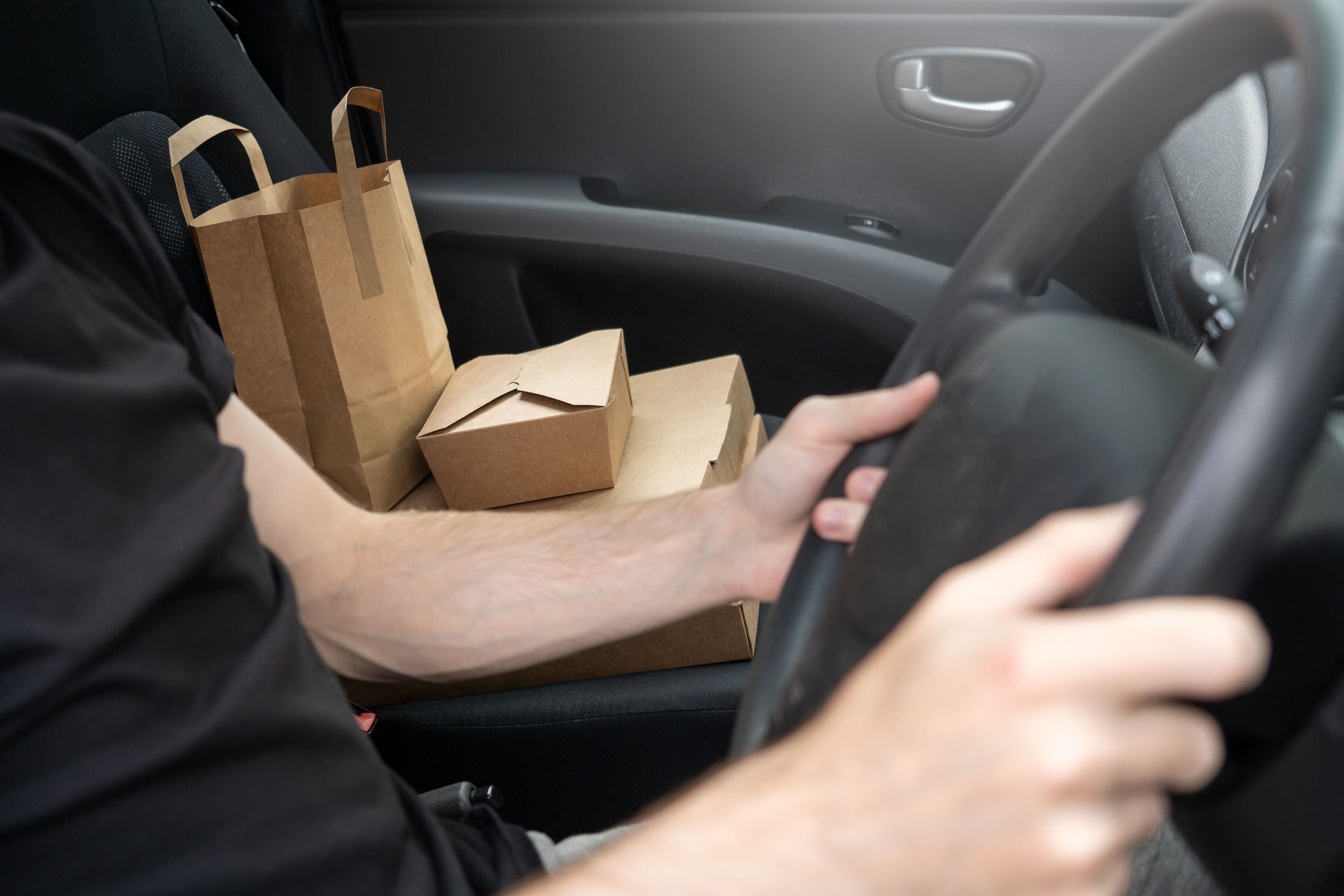
If you drive for more than one app, the question you care about is simple: will Comet grade the offers I actually get? Here’s the straight answer for each app, as of today.
| App | Kind of work | Status |
|---|---|---|
| Uber | Rides | Supported |
| Lyft | Rides | Supported |
| DoorDash | Delivery | Supported |
| Uber Eats | Delivery | Supported |
| Yandex Pro | Rides and delivery | Supported |
| DiDi | Rides | Beta |
| Bolt | Rides | Beta |
| Hopp | Rides | Beta |
| Empower | Rides | Beta |
| Taxsee | Rides | Beta |
| Grubhub | Delivery | Beta |
| Spark | Delivery | Beta |
| Instacart | Shopping | Beta |
What supported and beta mean
Supported means Comet reads that app’s offers reliably across the layouts we know about, and we stand behind its grades.
Beta means the app is newer to Comet. Its support is built from fewer real offer cards, so it has seen less of what that app can throw at it. It may miss an offer, or stay quiet on a layout it hasn’t met yet. What it shouldn’t do is grade the wrong numbers, because Comet refuses to grade any card it can’t fully read. On a beta app you’ll see fewer grades rather than wrong ones.
You choose which apps Comet watches when you set it up. Every app is switched on by default, and turning one off also hides it from your history.
How delivery offers are graded
Delivery offers work the same way as rides, minus the rider rating. The first leg is the drive to the restaurant or store, the second is the drive to the customer, and Comet counts both.
Say DoorDash offers $9.50: 1.8 miles and 7 minutes to the restaurant, then 4.2 miles and 14 minutes to the door. Over 6 miles and 21 minutes that’s $1.58 a mile and $27.14 an hour, and Comet grades it Accept, green, with $8.77 left after $0.73 to drive it at its default cost.
What the card doesn’t show is the wait at the counter, and that’s on you to judge. A restaurant that always keeps you 15 minutes turns a $27 hour into something much smaller. Shopping orders like Instacart and Spark add the time inside the store, which is why a big order with a good payout can still be a slow hour.
How an app gets on the list
Every app’s offer card looks different, and the same app changes its layout between countries, ride types and updates. So a new app goes through the same steps every time.
Three steps to add an app
Real offers
We collect screenshots of real offer cards from drivers, across ride types and both light and dark mode, and teach the parser each layout.
The look-alikes
We also collect screens that look like offers but aren’t: trip summaries, promotions, finished trips. Comet must stay quiet on every one of them.
Beta, then supported
It starts in beta. Once it has held up on many more real offers, it becomes supported.
That middle step is the one people don’t expect. An app that pops up a grade on a trip summary does more harm than one that shows nothing, because it teaches you to ignore it.
What isn’t on the list yet
A few things drivers ask us about that Comet doesn’t do today:
- iPhone. Comet reads offers on Android only for now. We’re building an iPhone version, and Driving with two phones explains the setup many iPhone users run in the meantime.
- Apps that hide the fare. Some cards don’t show a payout before you accept. Comet won’t guess one, so those offers get no grade.
- Apps that aren’t listed. If you drive for an app that isn’t in the table, send screenshots of a few offer cards to cometappsupport@gmail.com. Real cards are what let us add an app properly.
For how Comet compares with other offer apps on the same platforms, see Comet vs GigU.
Which apps do you drive for?
Comet watches these for offers. You can change them anytime in Settings.
Pick your apps in one screen
Choose which apps Comet watches. It grades offers from those and ignores everything else on your phone.
